Snap Studio Pro
Turn 3D prefabs into clean 2D sprites without leaving Unity
- Available
- Tool
- Unity 6+ · Editor-only · Built-in, URP, HDRP
- $50 — every future feature included
- C# · Unity 6 · URP / HDRP · VFX Graph · Async batch export
An Editor-only production tool that takes real 3D Unity content and turns it into polished 2D assets — and, if you want, into engine-native sprites, clips, an animator and a prefab that plays on drop.
A runtime framework. It injects no gameplay systems, ships nothing into your build, and has no opinion about how your game works.
Snap Studio Pro — the window
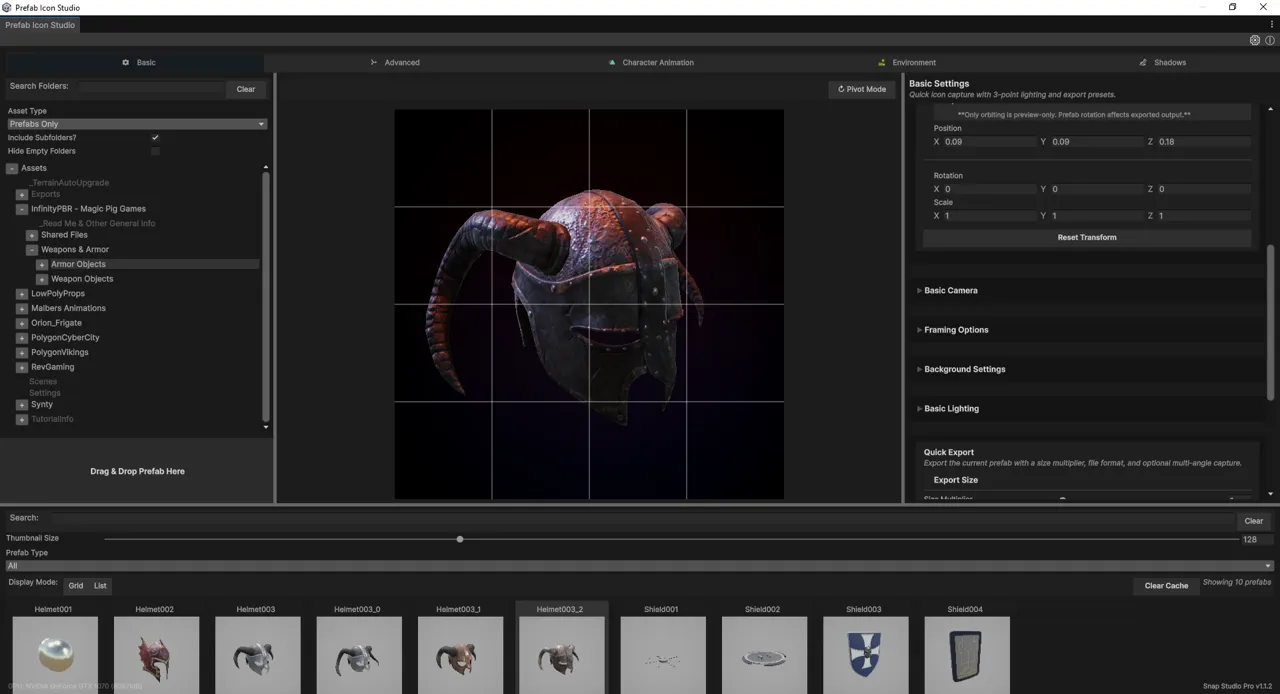
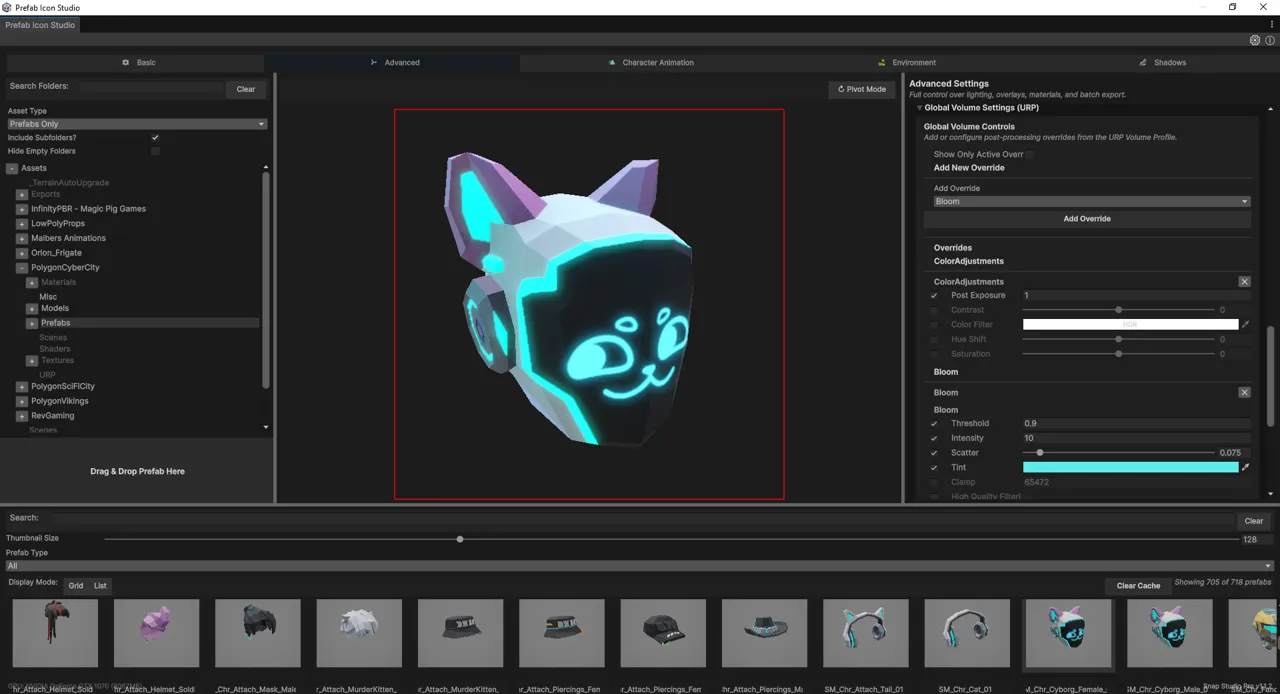
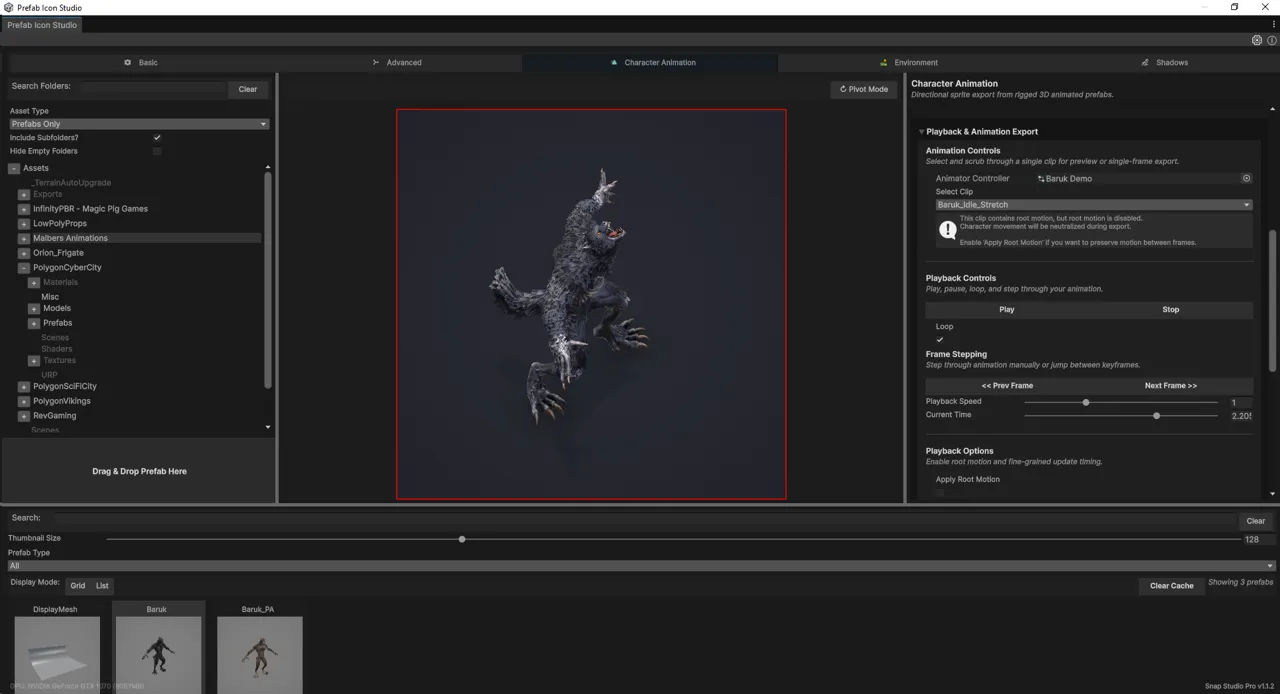
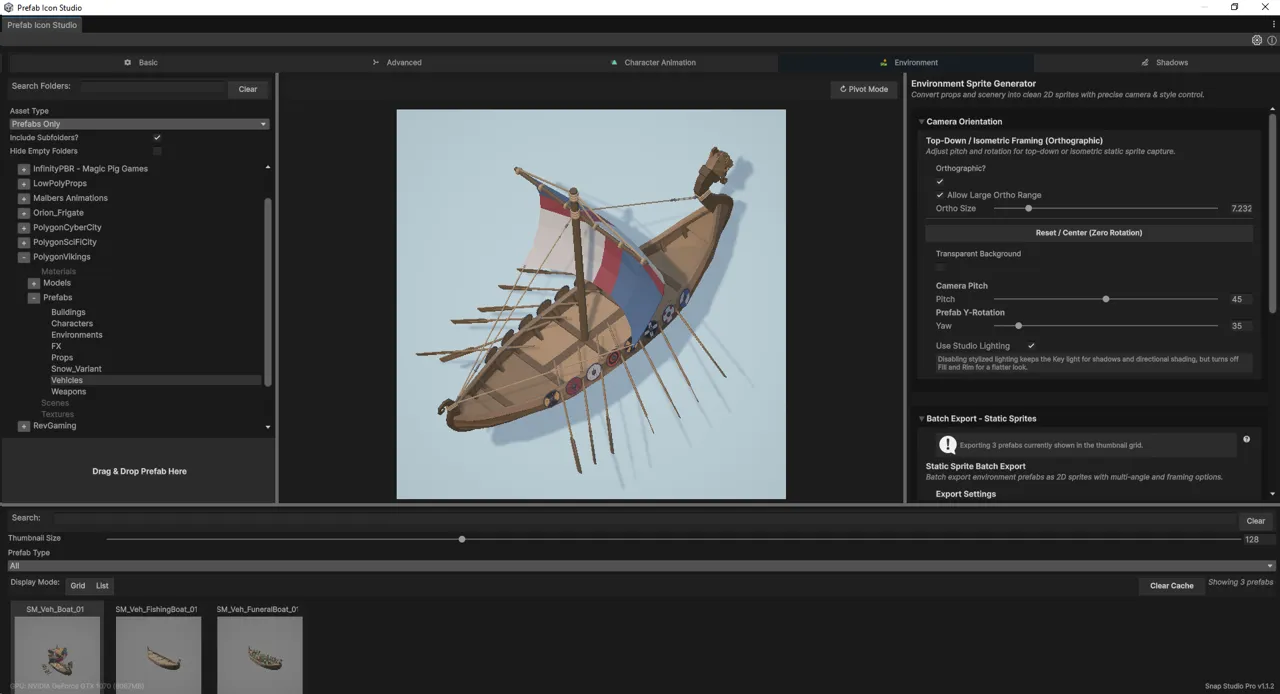
Why it exists
Turning 3D assets into 2D sprites in Unity used to mean assembling a pipeline out of parts: a scene set up by hand, cameras that drift between captures, pivots that come out wrong, a lighting rig rebuilt from memory every time, a separate tool for shadows, a custom script for animation frames, and a round trip through Photoshop to clean up what the others got wrong.
No single tool covered the whole job. Most covered a piece of it well enough that you bought three and hoped the seams held.
Snap Studio Pro is the whole pipeline in one window.
What it captures
Single sprites and icons from any prefab, with bounds-aware automatic framing so a sword and a cathedral come out at consistent relative size.
Animation — scrub a timeline, step frames, capture a single pose or an entire clip, and export spritesheets, PNG sequences or GIFs with pivots that stay put between frames.
Directional sets at 4, 8 or 16 angles, straight from an animator controller — the shape top-down, isometric and strategy games need, and the single most tedious thing to do by hand.
Environments and tiles with orthographic cameras and adjustable pitch/yaw, framed so the results tile.
Static props, animated. Transform motion effects — rotation, scale pulse, Y-bob, wobble — applied relative to the current preview without touching your transforms, so a static mesh becomes a looping sprite animation. Turntable and asset-rotation capture at 8, 16, 24, 36 or 360 frames.
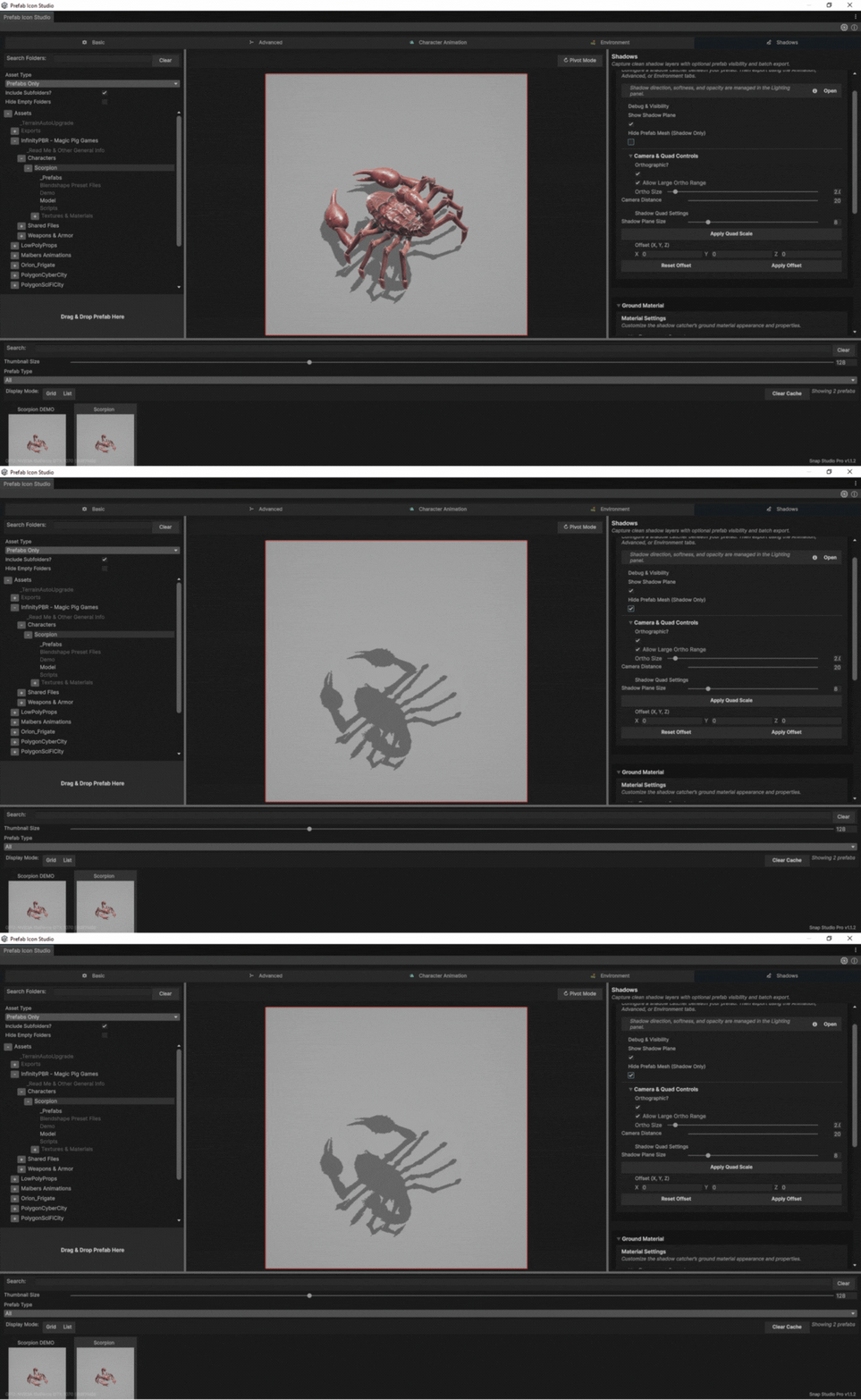
Shadows on their own, transparent, with or without the prefab visible — for composited lighting and stylised 2D.
Particles, baked frame by frame to sprites and sheets. Multi-system capture with a hierarchy view and per-layer include/exclude, blend-mode-aware alpha for straight and additive effects, and loop tools that actually work on the hard case: auto-detect scores every candidate cut, trims to the closest matching frame pair, hides the residual with a short crossfade and tells you how clean the result is. Ping-pong bounce for effects that cannot be cut at all.
VFX Graph effects, exported deterministically — built on
VisualEffect.Simulate stepping, so it is frame-accurate rather than a
best-effort screen grab. The VFX Graph package is an optional dependency: Snap
compiles and runs without it installed.
The last mile
Most capture tools hand you PNGs and leave you to import them, build an AnimationClip, add an AnimatorController and wire a GameObject. Game-Ready output does that part too.
Point it at frames you already exported and it returns engine-native Unity assets: trimmed sprites, AnimationClips, an AnimatorController, and a prefab that plays the moment you drag it into a scene. It reads the folder you select and builds one of two shapes:
- Effect — a self-contained object. A fire, an explosion, a spinning coin. One clip, one controller, one prefab.
- Character — one rig from many animations. Idle, walk, attack, hit; every clip wired into a single controller and a single prefab, ready to plug into your own game logic.
Single-angle or full directional.
Control over how it looks
Three-point lighting with presets and per-capture overrides. Colour grading, bloom, tonemapping and exposure. Backgrounds as gradients, transparency, checkerboards or overlays.
Materials and child objects can be overridden per capture — toggle a weapon, a hat, an attachment or an emissive effect for one shot — without touching the actual asset. The prefab you are capturing is left exactly as it was.
At volume
Batch export runs asynchronously and keeps the Editor responsive, across entire prefab collections or whole animation controllers. Framing, lighting and export settings save as presets, so a library captured today matches one captured in six months.
There is a prefab browser with filtering, categories, custom metadata and thumbnails.
For pipeline work there is a headless capture API: drive exports from your own editor scripts with no window interaction, or define jobs in a JSON file and run them from a menu command. It covers single-sprite and full directional capture, and it is contract-tested against the interactive path — so what the script produces and what the window produces are verified to match, rather than assumed to.
The Snap Promise
The price is $50. Every future feature, improvement and expansion is included at no additional cost. No paid add-ons, no Pro tier above the Pro tier, no subscription, no fragmenting the tool into packs.
The only reason the price would ever move is inflation.
That is a commitment rather than a pitch, and it is the sort that is easy to check: if a paid add-on ever appears, this paragraph was a lie.
It has already been tested. Version 1.3.0 added Game-Ready output, promoted Particle FX to a production feature and introduced VFX Graph export — three substantial features, any one of which a different publisher would have sold as an add-on. The price did not move. Before that, 1.2.0 added Static Sprite Animation and the multi-angle workflow. Same price.
A promise about future releases is worth exactly as much as the releases that have happened since it was made.